
Software testing checklist for every release
A software testing checklist for small teams covering flows, forms, sign-in, payments, layouts, and errors, plus the checks most teams skip.
 By Bhavana, QA Engineer
Why you need a software testing checklist
A software testing checklist is a fixed list of checks you run before every release, so that what gets tested does not depend on who remembers what that week. Small teams shipping fast tend to test the feature they just built and skip everything around it. The checklist below is built from the gaps we find most often when we audit apps before launch: not exotic edge cases, but ordinary flows nobody looked at after the first demo.
Use this as a working document. Copy it into your own tracker, cut what does not apply to your app, and add rows specific to your product. A checklist that fits your app will get used. A generic one gets skipped after the second release.
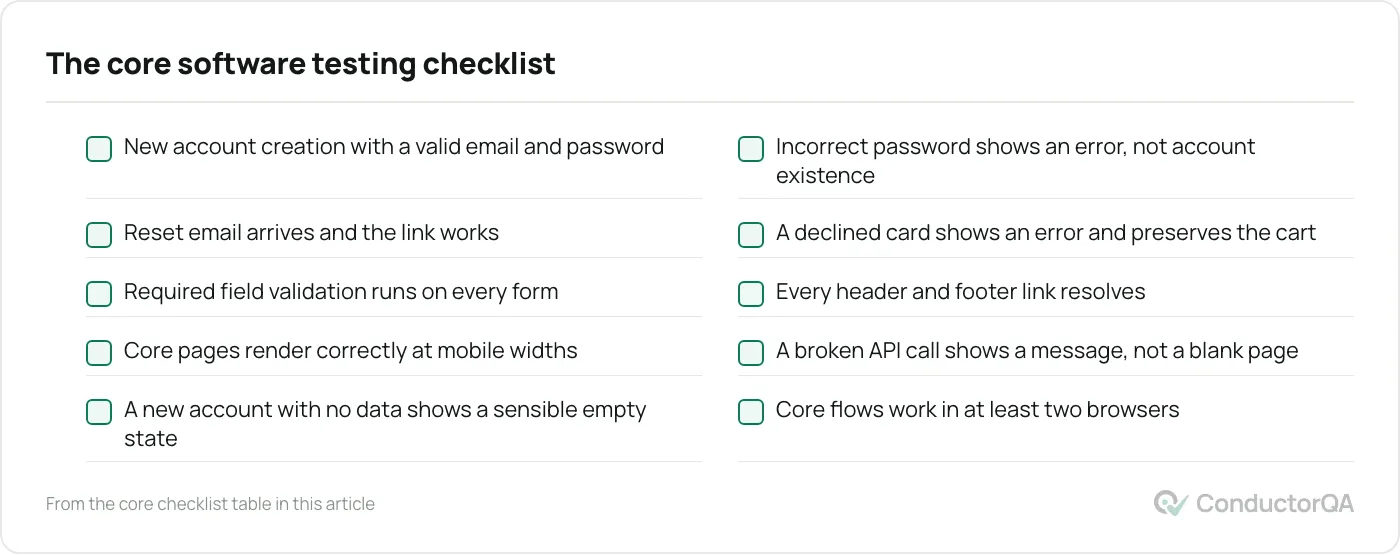
The core software testing checklist
| Area | Check | Why it gets missed |
|---|---|---|
| Sign-up | New account creation with a valid email and password | Tested once at launch, never retested after auth library updates |
| Sign-up | Duplicate email is rejected with a clear message | Error states are the first thing cut under deadline pressure |
| Sign-in | Correct credentials log the user in | Assumed to still work because sign-up works |
| Sign-in | Incorrect password shows an error, does not reveal if the email exists | Security-relevant, rarely covered in manual spot checks |
| Sign-in | Session persists across a page reload | Only noticed when a user complains their cart emptied |
| Password reset | Reset email arrives and the link works | Depends on a transactional email provider that is easy to misconfigure |
| Payments | A test charge succeeds and the order updates | Covered. See below for what is usually missed |
| Payments | A declined card shows a clear error and preserves the cart | Rarely tested because it requires a specific test card |
| Forms | Required field validation on every form, not just the main one | Secondary forms, like a contact form, get skipped |
| Forms | Submitting a form twice does not create duplicate records | Double-click and slow network retries both trigger this |
| Navigation | Every link in the header and footer resolves | Footer links rot fastest as pages get renamed |
| Navigation | Back button returns to the expected previous state | Common break after adding client-side routing |
| Layout | Core pages render correctly at common mobile widths | Tested on a laptop, shipped, broken on a phone |
| Layout | Long text (long names, long addresses) does not break layout | Demo data is always short and clean |
| Errors | A broken API call shows a message, not a blank page or endless spinner | Error boundaries are an afterthought in most AI-generated scaffolds |
| Errors | The browser console has no uncaught errors on core pages | Nobody opens dev tools during a demo |
| Empty states | A new account with no data shows a sensible empty state, not a crash | Only tested with seeded demo data |
| Cross-browser | Core flows work in at least two browsers, including Safari | Most development happens in one browser |
What is usually missing: the checks between features
Most teams test each feature as a feature. What breaks in production is usually the seam between two features: what happens to the shopping cart if a session expires mid-checkout, what happens if a user who just signed up tries to reset a password they never set, what happens if a webhook from your payment provider arrives before the page finishes redirecting. These interactions do not show up on a per-feature checklist, so add a short section for them specific to your app’s own flows.
A software user acceptance testing checklist for before launch
User acceptance testing confirms the app does what the business, not just the code, expects. Before a launch, we check these items separately from the functional checklist above:
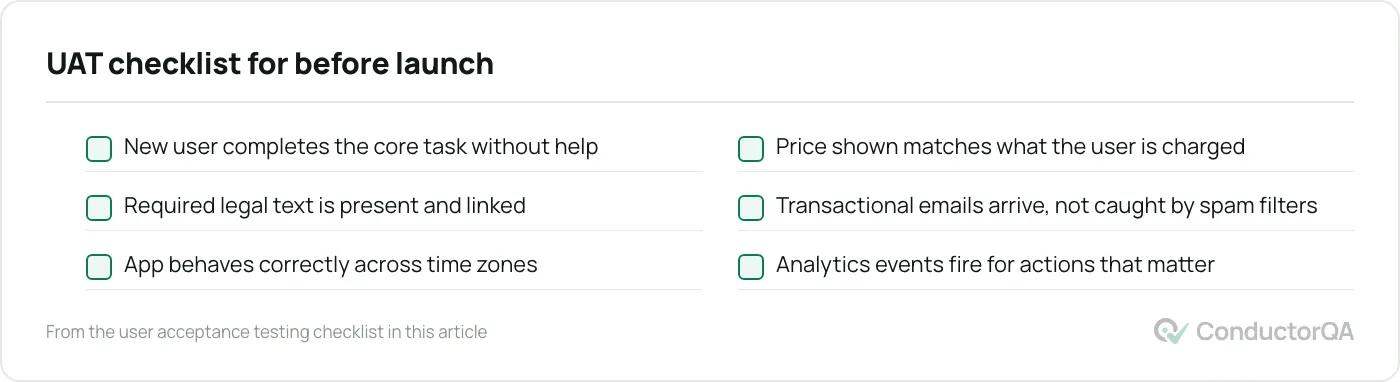
- A new user can complete the core task the product promises, start to finish, without help.
- The pricing shown to the user matches what they are actually charged.
- Any legally required text, terms of service, privacy policy, cookie notice, is present and linked.
- Transactional emails (welcome, receipt, password reset) arrive and are not caught by spam filters.
- The app behaves correctly for a user in a different time zone than the one it was built in.
- Analytics or tracking events fire for the actions the business cares about measuring.
How to use this checklist in your release process
Treat the checklist as a gate, not a suggestion. A practical way to run it:
- Run the full checklist before the first launch.
- For every release after that, run the subset of rows touched by the change, plus a short smoke pass on sign-in, payments, and the homepage, regardless of what changed.
- Keep a record of what you tested and what you found, even if nothing was found. A log of “tested, no issues” is what tells you the checklist was actually run rather than skipped.
- When you find a bug through this checklist, add a row for it. The checklist should grow with your app’s actual failure history, not stay frozen from day one.
For a more structured version of this with sign-off fields and a schedule, see our test plan template. If your release cadence is weekly or faster, our regression testing checklist is a tighter list built specifically for that pace.
Common mistakes teams make with a testing checklist
A checklist only helps if it is actually followed under deadline pressure, which is exactly when teams are tempted to skip it. A few patterns we see repeatedly:
- The checklist exists but nobody owns running it. Assign one person per release to confirm the checklist was completed, even if different people did the individual checks.
- The checklist only covers the feature that just shipped. As the table above shows, the surrounding flows, sign-in, payments, navigation, are the ones that silently break from unrelated changes.
- Checks are marked done without being rerun. A check that passed last release is not guaranteed to still pass. Treat each release as a fresh pass, not a formality.
- The checklist never grows. If a bug reaches production, the checklist missed something. Add a line for it so the gap is closed for every future release, not just patched this once.
- Mobile is treated as optional. For many products, mobile traffic is the majority of visits, yet mobile testing is often the first thing cut when time is short.
Where ConductorQA fits
If you want this checklist run by someone outside your own team, with every finding reproduced on real devices and ranked by severity, that is what our pre-launch QA audit does. It is a useful second pass even for teams that run their own checklist well, because a fresh set of eyes catches what familiarity hides.
Frequently asked questions
What should be on a checklist for software testing before release
At minimum, include sign-up and sign-in, password reset, core payment or checkout flows, form validation, navigation and links, layout on mobile widths, error handling for failed API calls, and a check for console errors. The table in this article gives a starting checklist you can copy and adapt.
How is a software testing checklist different from test cases
A checklist is a short list of items to confirm before a release, usually one line each. Test cases are more detailed, with specific steps and expected results for a single scenario. Teams often keep both: a checklist for release gating and test cases for the features that need deeper coverage. See our guide on how to write test cases for the difference in practice.
Do small teams without a QA engineer need a software testing checklist
Yes. A checklist is most valuable for teams without a dedicated QA engineer, because it replaces the institutional knowledge a QA engineer would otherwise hold. Without a written checklist, what gets tested depends entirely on who is doing the release and what they remember that day.
How often should a software testing checklist be updated
Update it every time a bug reaches production that the checklist did not catch. Add a row for that specific failure so the same bug cannot ship twice undetected. Review the full list every few months to remove checks that no longer apply as the product changes.